Getting started.
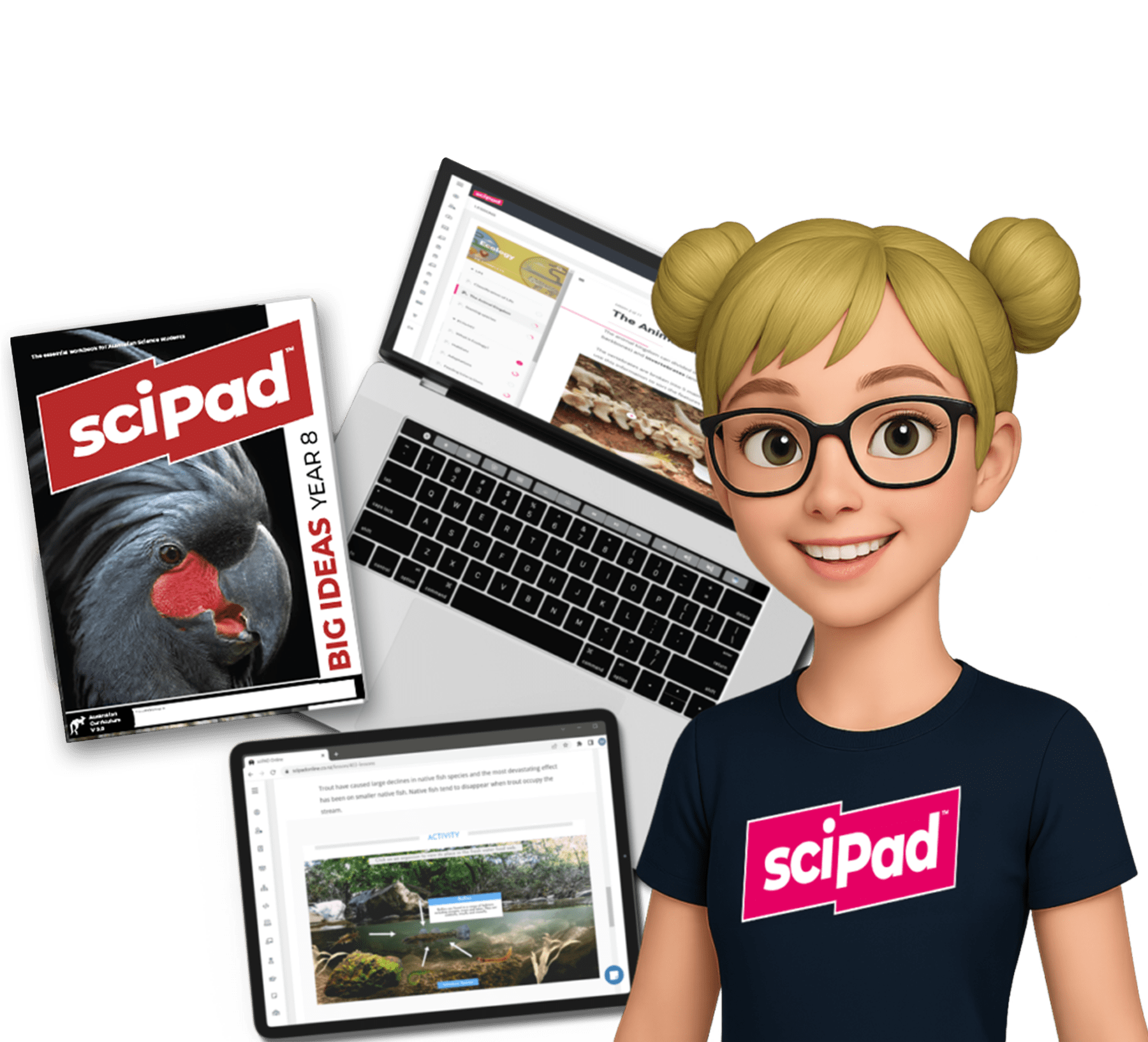
Upon purchasing a sciPAD workbook (Book 1, Book 2, Book 3 or Level 1 PESS & CB standards), your school is provided with assigned online seats for the specific titles purchased. These seats grant seamless access to the corresponding content on the sciPAD Online platform.
Heads up: there is currently no sciPAD Online content available for Level 2 or Level 3 sciPAD workbooks. Senior content is in development as the new standards are introduced.
How to get setup.
Books purchased directly from sciPAD
If your school workbook purchase is direct from sciPAD, you will automatically receive an email in late January – early February of the new school year outlining the student setup process. If you have not received your email by February, please contact support@scipadonline.co.nz.
Books purchased from a retailer
If your students or school purchase sciPADs from another retailer, you will need to provide the number of books purchased with evidence. Once received, corresponding student online seats will be added. Email support@scipadonline.co.nz before term one to prepare the platform for the next year.
Home schooling
If you are a home-schooling parent wishing to gain access to the online platform, send an email to support@scipadonline.co.nz with your order number or proof of purchase. You will then be added to the dedicated home-schooling platform.
School admin and contact
The email address used for ordering is automatically assigned as the admin for your school. If you need to change the assigned admin, please contact support@scipadonline.co.nz.